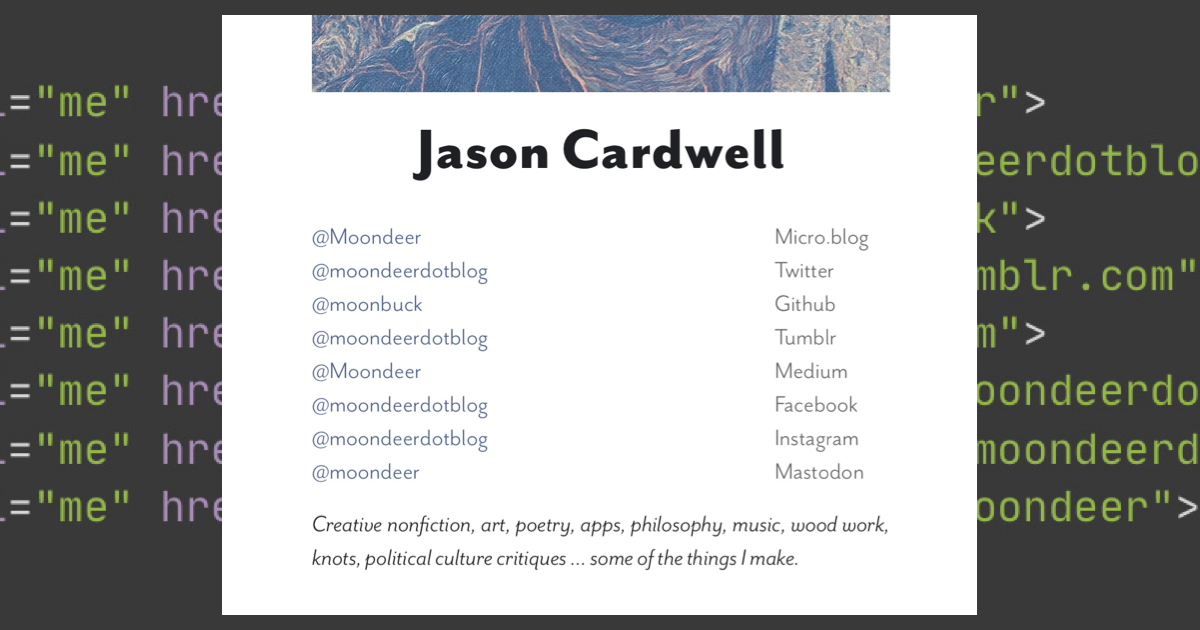
A Micro.blog plugin for injecting your social media account links into the page <head> with a partial suitable for profile display. It's code lives here.
A Micro.blog plugin for injecting your social media account links into the page <head> with a partial suitable for profile display. It's code lives here.
Episode two of #JackReacher … points earned for the Frankenstein's monster reference … have some happy.

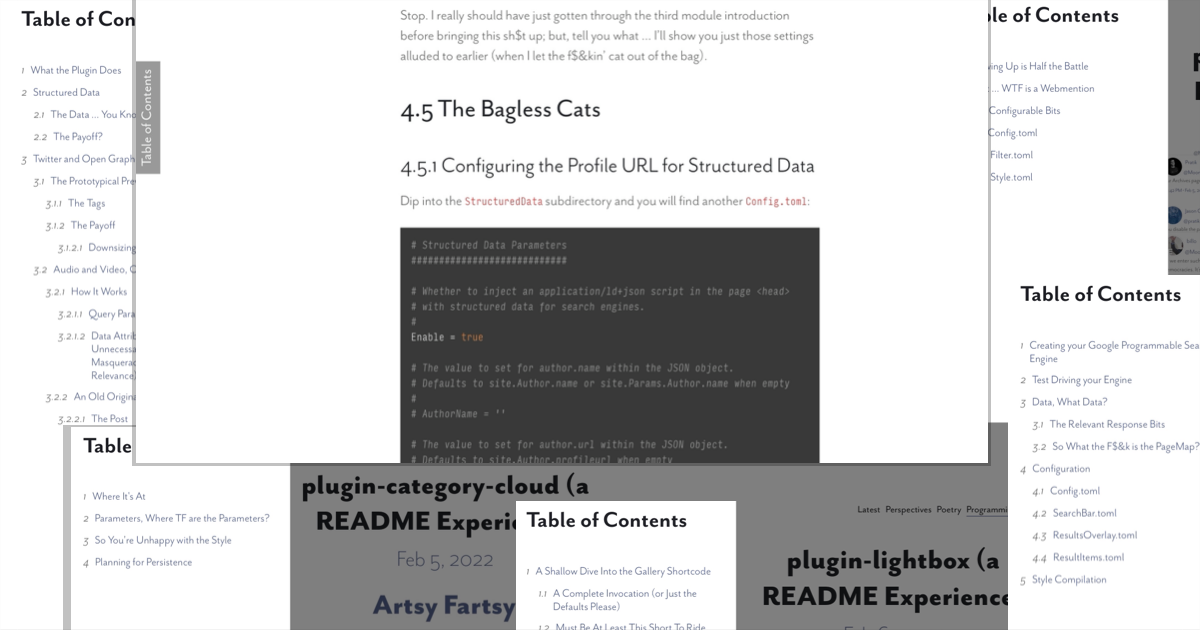
A plugin for Micro.blog for generating a slide-over table of contents. Its code lives here.
.@pimoore To answer your question (now that I've settled down), you were correct. Click the New Plugin button, name it whatever you like, paste in the repository URL and go. All the plugins can actually be controlled via custom theme files (with the exception of being able to remove the menu entry from files in the content directory and the favicon file output formats).
The following READMEs are up-to-date (aside from the assumption of editable files):

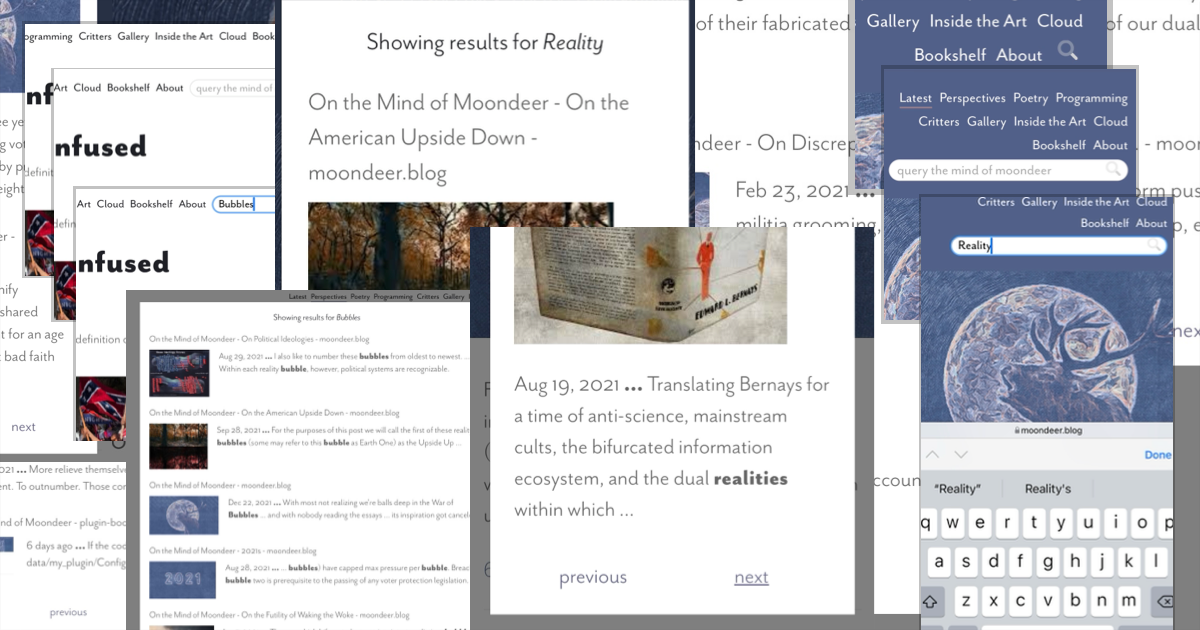
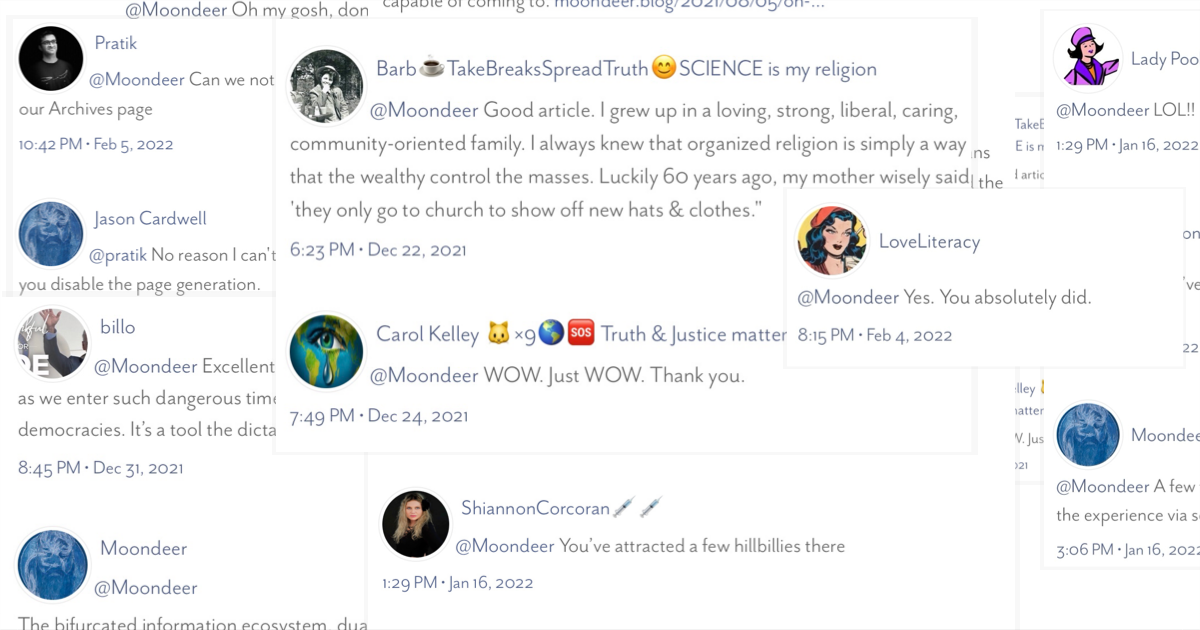
I'll probably end up updating the documentation for the table of contents plugin (used by all the posts I just listed), which basically just requires a suitably named container to host the button.
Update: in fact I just did…
There are a few more that don't have updated documentation … but that are primarily partials invoked from a theme that (like all of them) can be seen in action on my site like the custom page banners, the webring navigation at the bottom, the social media
links and profile directory, google tag manager, plausible analytics with ignore visit toggle, and favicons (which doesn't have a partial but requires configuration modification to enable two additional output formats).Holler if you want help tinkering with anything.
I may just write a definitive essay on the multi-national bifurcated information ecosystem (birthed by a combination of social media supplanting print media and the normalization of full blown, …
6:23 PM • Jul 11, 2021reading time 2 minutes
Looks like I overtaxed the system, got five or so posts hanging in limbo.
Creative nonfiction, art, poetry, apps, philosophy, music, wood work, knots, political culture critiques … some of the things I make.